
Hello, lightroom lovers! I hope you had found my lightroom 4 HDR preset useful. If you haven’t downloaded my free lightroom preset for HDR photos yet, download it from the link below.
Download
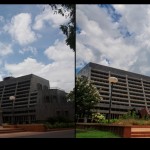
In this post you can download another free lightroom preset. I call it ‘subtle green’. I made this preset while I was playing with some sliders in lightroom and finally decided on keeping it; because, I totally loved the subtle green color on the image I was working on. Then i went on and tried this preset on few others images as well, and it worked for them, too. So, I thought I should give it to you. But, let me give you a heads up. It may not work for all images. You can try this on your photos, and , if you don’t like it, you can undo it (That’s one of the reasons I like lightroom, you can easily undo your actions)
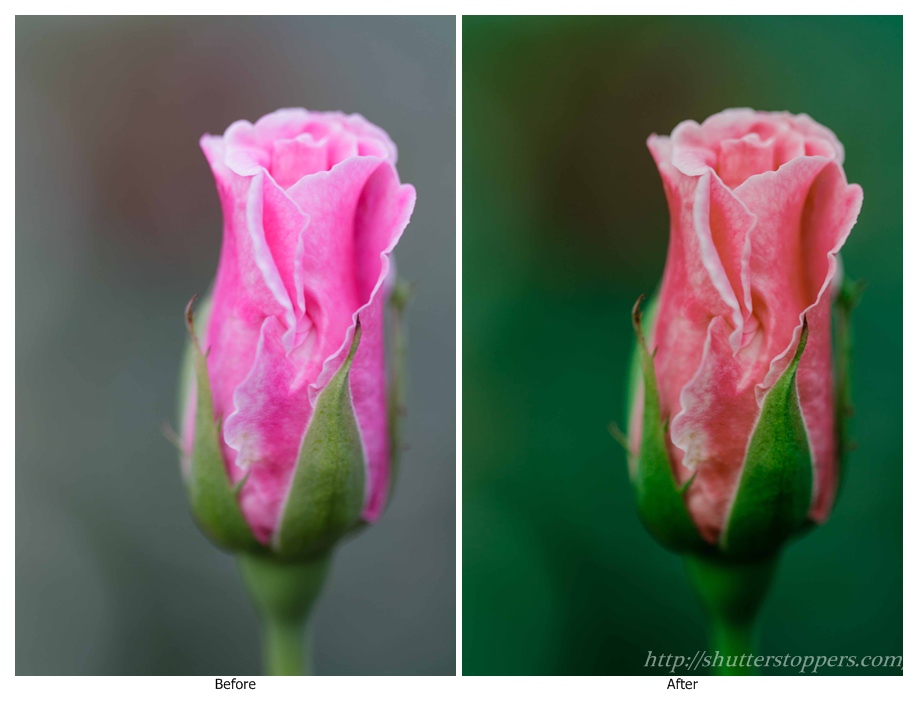
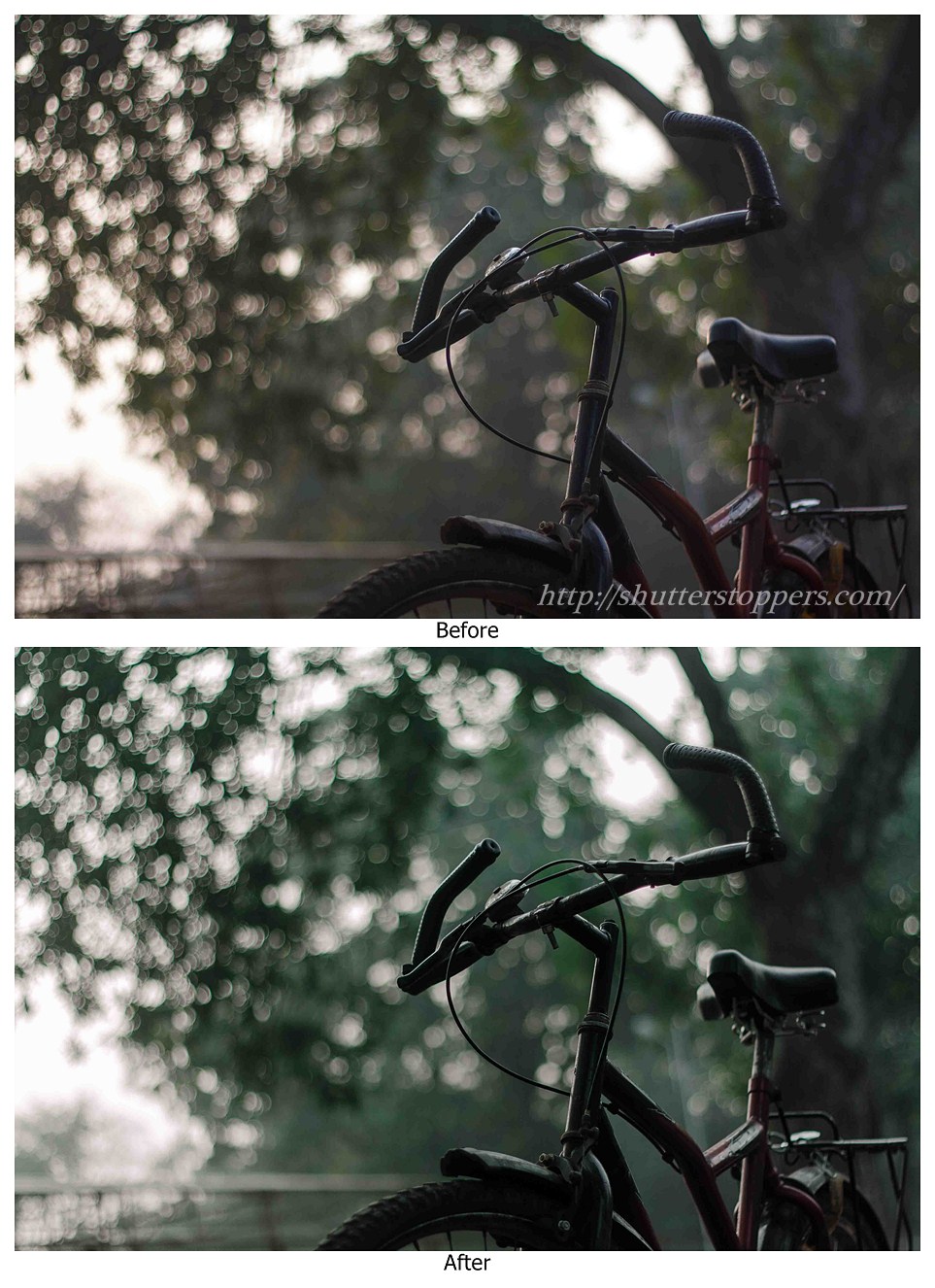
NOTE: I made this preset in lightroom 4, but you can use it in lightroom 3 as well. As I said before, this may not look good on every image you are applying. Sometimes, it looks cartoonish, or overstaturated. In such cases, once you apply the preset, you can adjust it for your taste by changing White Balance, HSL, camera calibration sliders.
It looks like you have already downloaded it.
Installation instructions: Once you download the file, unzip it and load the preset file (lrtemplate) in lightroom.
Read: How to install presets in lightroom
Hope you enjoy this preset. Let me know your results.
Have fun!




3 comments
Pingback: How to Install Presets in Adobe Photoshop Lightroom - ShutterStoppers | Digital Photography Tips and Tutorials
Pingback: Lightroom 4 Preset: Black and White HDR Preset - ShutterStoppers | Digital Photography Tips and Tutorials
Pingback: Download Free Lightroom 4 HDR Preset - ShutterStoppers | Digital Photography Tips and Tutorials